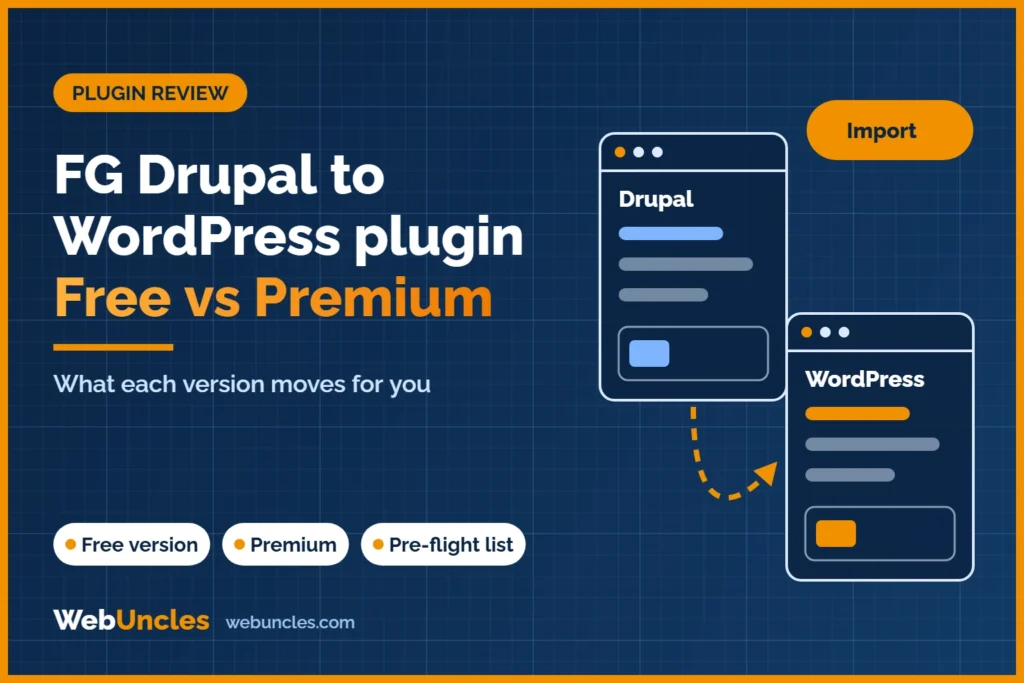
FG Drupal to WordPress is a plugin that reads your Drupal database directly and builds the matching content in WordPress. The free version moves articles, basic pages, categories, tags and images. Premium adds users, comments, custom fields, menus and redirects from old Drupal URLs, and paid add-ons cover specific Drupal modules.
This guide is based on the plugin’s public documentation on wordpress.org, checked on 15 November 2026. It is a documentation summary, not a hands-on test report.
It is written for people deciding between running the import themselves and handing the job to someone else. A plugin is one step in a complete Drupal to WordPress migration. Redirects, design and testing still need planning.
If your site still runs Drupal 7, our guide to Drupal 7 end of life compares staying on Drupal, paid extended support and moving from Drupal 7 to WordPress.
Still deciding which platform fits? Read our Drupal vs WordPress comparison before you plan the import.
FG Drupal to WordPress at a glance
At the time of writing (15 November 2026), the plugin’s page on wordpress.org shows these details:
- Version 3.95.7, last updated about two months before this check.
- More than 700 active installations.
- Tested up to WordPress 7.1.4. It needs at least WordPress 4.5 and PHP 7.0.
- Rated 4.6 out of 5 from 111 reviews.
- The author says it was tested with Drupal 4 through 11, and it supports WordPress multisite.
- The listing names Kerfred as the author. Support runs through the plugin’s forum on wordpress.org.
Two details matter for planning. The plugin only reads the Drupal database and does not change it, per its FAQ. And the free version can be deactivated or removed once the import is done. Version numbers and install counts change, so check the page again before you rely on them.
What the free version imports
The free version is aimed at content. According to the listing, it moves:
- Drupal articles, Drupal 6 stories and basic pages.
- Categories and tags.
- Images and other post media, uploaded to the WordPress media folders and resized to your WordPress image sizes. An option also pulls in media hosted on external sites.
- Internal links and media links, rewritten to match the new site.
- Image alt text, plus an option to set the first image in a post as the featured image.
It can read MySQL, PostgreSQL and SQLite databases. For a simple blog or brochure site, that may be most of what you need. For anything with members, comments, custom fields or old URLs worth keeping, the free version stops short.
What Premium adds
Premium is a paid licence sold by the plugin author. Check the current price on the author’s own site; it is not listed here because it changes. The wordpress.org page lists these Premium features:
| Area | Free | Premium | Premium add-ons |
|---|---|---|---|
| Articles, pages, categories, tags | Yes | Yes | Not needed |
| Images, media and internal links | Yes | Yes | Not needed |
| Comments | No | Yes | Not needed |
| Users, authors, admins, user pictures | No | Yes | Not needed |
| Drupal passwords still work at login | No | Yes | Not needed |
| Custom post types, taxonomies, custom fields | No | Yes | Extra module support (for example CCK, ECK, Paragraphs) |
| Menus and blocks (blocks arrive as inactive widgets) | No | Yes | Not needed |
| SEO redirects from Drupal URLs | No | Yes | Not needed |
| Import only chosen node types, or skip data | No | Yes | Not needed |
| Node relationships, Drupal 8 Media, Video Embed | No | Yes | Not needed |
| Run the import from WP-CLI | No | Yes | Not needed |
| Commerce, forms, books, forums and similar modules | No | No | Yes, one add-on per module |
Two Premium items deserve a closer look. Password support lets people log in with their old Drupal password, so you do not force a reset. Redirects from Drupal URLs matter for rankings, because they point old addresses to the new pages. Both are worth testing on a staging copy before launch. The pillar guide explains the redirect and ranking side of a migration in full.
Premium add-ons for specific Drupal modules
The add-ons are separate paid extensions. The wordpress.org page lists 22 of them, grouped here by what they cover:
- Fields and content structure: CCK, ECK, Paragraphs, Field collections, Multifield, EntityReference, NodeBlock, Entity Embed, Name, Addressfield, Location and Countries.
- Stores: Ubercart and Drupal Commerce.
- Forms, books and forums: Webform, Book and Forum.
- User profiles: Profile2.
- Site-wide data: Meta tags, Internationalization, Domain Access and Media Provider (S3, SoundCloud, YouTube).
If your site uses a module that is not on that list, the plugin may leave that data behind. Check your module list against it before you buy anything.
Stores need extra care. Product and order data from Ubercart or Drupal Commerce touches payments, tax, shipping and customer accounts. Read our guide on moving a Drupal Commerce or Ubercart store to WooCommerce before you decide a plugin is enough.
What no plugin handles for you
A data importer moves data. It does not rebuild how the site looks or behaves. Plan separate work for:
- Theme and design. Drupal themes do not carry over.
- Listings and filters built with Views.
- Logic from custom modules.
- Form behaviour, notifications and spam protection.
- Integrations with a CRM, payment gateway, search or mailing tool.
- Quality checks on content, images, links and layout.
- SEO checks after launch: redirects, canonicals, sitemap and indexing.
For how each of these tends to go wrong, see our guide to what breaks when you move from Drupal to WordPress.
Tried the plugin and hit a wall, or want to know before you start? We offer a free consultation before any migration. We will tell you whether the plugin is enough for your site. Book a free consultation.
Are there other Drupal to WordPress plugins?
We checked two others on wordpress.org on 15 November 2026. Neither is a practical option.
- Migration Drupal to WordPress was last updated about 11 years ago. It supports Drupal 6 only, has 10+ active installs and one 1-star review. The page warns it has not been tested with recent WordPress versions.
- The CMS2CMS Drupal to WP plugin was closed on 2 December 2019 and is not available for download.
Other options are custom scripts, which suit unusual data, and migration services. Both are covered below.
Before you run it: a pre-flight list
- Work on a staging copy of WordPress, never the live site.
- Take a full backup of both sites and keep the Drupal site untouched.
- Get Drupal database access. The settings file in
sites/default/settings.phpholds the details. Remote MySQL access may need enabling, or you can copy the database into WordPress. - Check server limits. If an import fails with memory errors, the plugin’s FAQ suggests deactivating other plugins and raising the PHP memory limit.
- Run a test import first and compare counts and a sample of pages.
- Export a full list of old URLs so you can check redirects later.
The pillar guide has a longer checklist if you need it. After launch, follow a WordPress maintenance checklist so updates and backups do not get missed.
Plugin, script or service: how to decide
| Your situation | Likely fit |
|---|---|
| Small content site, few custom fields, no members | Free plugin, with manual redirects |
| Users who must keep logging in, comments, many old URLs | Premium, tested on staging |
| Heavy custom fields or modules not on the add-on list | Custom script or a service |
| Online store with orders and customers | Service, or a carefully planned store migration |
| Large site, tight deadline, rankings that matter | Service with a QA and redirect plan |
Size matters less than structure. A site with 50 pages and complex custom data can be harder than one with 5,000 simple articles. If search traffic matters, read how a migration service protects your rankings. If you want the work handled, see our migration service.
Not sure which route fits? Ask for a free consultation before any migration. Share your Drupal version and module list, and we will give you a straight answer. Talk to us before you start.
FAQ
Is FG Drupal to WordPress free?
There is a free version on wordpress.org for content, media, categories and tags. Premium and the module add-ons are paid. Check the current price on the author’s site.
What does FG Drupal to WordPress Premium include?
Per the wordpress.org listing: comments, users, custom fields, menus, Drupal password login, SEO redirects, selective import and WP-CLI. See the table above.
Does the plugin migrate users and passwords?
Users are a Premium feature, and so is login with the old Drupal password. The free version does not import users.
Does it create redirects from old Drupal URLs?
Premium adds SEO redirects from Drupal URLs to WordPress URLs. With the free version, you set up redirects yourself. Test them either way.
Does it work with Drupal 7, 8, 9, 10 and 11?
The author says it was tested with Drupal 4 through 11. Results still depend on your modules and data, so run a test import first.
Can it migrate Drupal Commerce or Ubercart stores?
Add-ons exist for both. Store data is sensitive, so see our guide to a Drupal Commerce or Ubercart store to WooCommerce move.
Can I run the import more than once?
The plugin’s FAQ says an interrupted import can be run again and will pick up where it stopped. Do repeat runs on staging first.